OpenGL vs OpenCL: Key Differences in Graphics vs Computing APIs

OpenGL vs OpenCL: Key Differences in Graphics vs Computing APIs
Ever found yourself scratching your head wondering about the difference between OpenGL and OpenCL? You're not alone! These two APIs from the Khronos Group might sound similar, but they're actually designed for completely different purposes. Let me break it down for you in a way that actually makes sense.
The Tale of Two APIs
Picture this: you're at a tech conference, and you overhear two developers arguing about which API to use for their next project. One's championing OpenGL, while the other's singing the praises of OpenCL. What's the real story here?
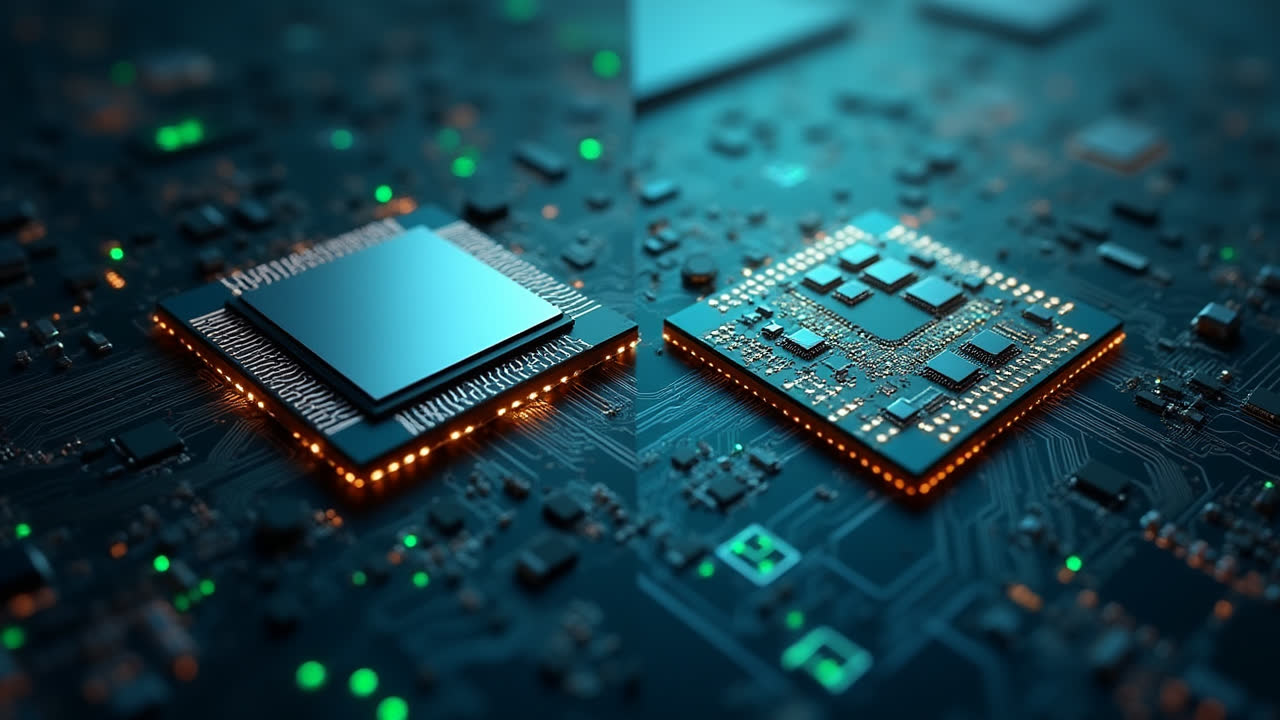
Well, think of OpenGL as the artist in the family – it's all about creating beautiful visuals, rendering 3D graphics, and making games look absolutely stunning. OpenCL, on the other hand, is more like the mathematician – it's focused on crunching numbers, parallel processing, and making your computer work harder and smarter across multiple processors.
Both APIs are written in C language and managed by the Khronos Group, but that's where the similarities end. The fundamental difference lies in their core purpose: graphics programming versus heterogeneous computing.
OpenGL: The Graphics Virtuoso
Remember the first time you played a beautifully rendered 3D game? Chances are, OpenGL had something to do with it. This Open Graphics Library is essentially the magic wand that developers wave to create everything from simple 2D shapes to complex 3D environments.
What can you actually do with OpenGL? Well, quite a bit actually:
- Create geometric shapes (triangles, polygons, spheres – you name it)
- Apply textures and colors to make objects look realistic
- Handle user input for interactive applications
- Add atmospheric effects like fog or smoke
- Implement smooth animations and transitions
The beauty of OpenGL is that it provides pre-defined functions that developers can use directly. No need to reinvent the wheel when you want to draw a cube or rotate a 3D model. It's like having a complete toolkit for graphics programming at your fingertips.
Originally created by Silicon Graphics, OpenGL has become the go-to API for various applications. From scientific visualization to CAD software in mechanical engineering, from flight simulators to your favorite video games – OpenGL is everywhere in the graphics world.
OpenCL: The Computing Powerhouse
Now, let's shift gears and talk about OpenCL, or Open Computing Language. If OpenGL is about making things look pretty, OpenCL is about making things work faster and more efficiently.
Have you ever wondered how modern computers can process massive amounts of data so quickly? The secret often lies in heterogeneous computing – using different types of processors working together. That's exactly what OpenCL was designed for.
Originally developed by Apple Inc., OpenCL allows developers to write programs that can run on:
- Multiple CPUs working in parallel
- Graphics Processing Units (GPUs)
- Digital Signal Processors (DSPs)
- Field-Programmable Gate Arrays (FPGAs)
The real power of OpenCL comes from its ability to handle parallel computing through both task and data-based parallelism. Think of it as conducting an orchestra where different instruments (processors) play their parts simultaneously to create a harmonious performance (efficient computation).
Key Differences at a Glance
| Feature | OpenGL | OpenCL |
|---|---|---|
| Primary Purpose | Graphics Programming | Heterogeneous Computing |
| Main Focus | 2D/3D Rendering | Parallel Processing |
| Common Use Cases | Games, CAD, Visualization | Scientific Computing, Data Processing |
| Original Developer | Silicon Graphics | Apple Inc. |
| Programming Language | C | C with C++ bindings |
| Target Hardware | Primarily GPUs | CPUs, GPUs, DSPs, FPGAs |
| Processing Type | Graphics Pipeline | General-Purpose Computing |
| API Complexity | Moderate (graphics-focused) | High (requires understanding of parallel computing) |
When to Use Which?
The choice between OpenGL and OpenCL really depends on what you're trying to achieve. Are you developing the next big game or creating a visualization tool? OpenGL is your friend. Need to process huge datasets or run complex simulations? OpenCL has got your back.
Sometimes, I like to think of it this way: if your project involves making things look good on screen, go with OpenGL. If it's about making calculations run faster, OpenCL is probably the better choice.
But here's something interesting – these APIs aren't mutually exclusive! Many modern applications use both. You might use OpenCL to perform complex physics calculations and then use OpenGL to render the results beautifully on screen. It's like having the best of both worlds!
The Language Factor
Both APIs share a common foundation in the C programming language, but there are some subtle differences. OpenGL is written purely in C, making it straightforward for developers familiar with the language. OpenCL, while also based on C, includes C++ bindings and offers APIs for various other languages including Python, Java, and .NET.
This flexibility in OpenCL makes it particularly attractive for developers working in diverse programming environments. But don't let that fool you – the core concepts of parallel computing in OpenCL can be quite challenging to master, regardless of which language binding you use.
Real-World Applications
Let's talk about where these APIs really shine in the real world. OpenGL has been the backbone of countless applications we use daily:
- Video games (from indie titles to AAA productions)
- 3D modeling and animation software
- Medical imaging visualization
- Architectural design tools
- Flight simulators for pilot training
Meanwhile, OpenCL powers many behind-the-scenes operations:
- Scientific simulations and modeling
- Cryptocurrency mining
- Machine learning and AI algorithms
- Video encoding and processing
- Financial modeling and risk analysis
What's fascinating is how these technologies often complement each other. Take modern video editing software – it might use OpenCL to accelerate video processing tasks while relying on OpenGL for the actual display and preview of the edited content.
Frequently Asked Questions
Can I use OpenGL and OpenCL together in the same application?
Absolutely! Many applications use OpenCL for compute-intensive tasks and OpenGL for rendering. For example, you might use OpenCL to calculate particle physics and then use OpenGL to render those particles on screen. The two APIs can share data through interoperability extensions provided by the Khronos Group.
Is OpenCL only for GPU programming?
No, that's a common misconception. While OpenCL can certainly leverage GPU power, it's designed for heterogeneous computing across multiple device types. You can use OpenCL to program CPUs, GPUs, DSPs, FPGAs, and other processors. This flexibility is one of OpenCL's key advantages over GPU-specific solutions.
Which API is easier to learn for beginners?
Generally, OpenGL is considered more approachable for beginners, especially those interested in graphics programming. It has a more straightforward API and plenty of tutorials available. OpenCL requires a solid understanding of parallel computing concepts and can be more challenging to master, though it's incredibly powerful once you get the hang of it.
The Future of Graphics and Computing
As we look ahead, both OpenGL and OpenCL continue to evolve. While newer APIs like Vulkan and Metal are gaining traction in the graphics world, OpenGL remains widely supported and used. Similarly, OpenCL faces competition from CUDA and other compute frameworks, but its cross-platform nature keeps it relevant.
What's really exciting is how these technologies are pushing the boundaries of what's possible. From real-time ray tracing in games to AI-powered scientific discoveries, the foundations laid by OpenGL and OpenCL continue to drive innovation in computing.
Whether you're a seasoned developer or just starting out, understanding the distinction between these two APIs is crucial for choosing the right tool for your project. Remember, it's not about which one is "better" – it's about which one fits your specific needs.
Making the Right Choice
So, which API should you choose? Here's my advice: if you're seeing pixels, polygons, and pretty pictures in your project requirements, OpenGL is probably your best bet. If you're dreaming of parallel processing, number crunching, and making your computer work smarter, not harder, then OpenCL is calling your name.
The beauty of modern development is that you don't always have to choose just one. Many successful applications leverage both APIs, using each for what it does best. It's like having a Swiss Army knife for development – different tools for different jobs, all working together harmoniously.
At the end of the day, both OpenGL and OpenCL are powerful tools in any developer's arsenal. Understanding their differences and strengths will help you make informed decisions and create better, more efficient applications. Happy coding!
References:
- https://en.wikipedia.org/wiki/OpenGL
- https://en.wikipedia.org/wiki/OpenCL
- https://en.wikipedia.org/wiki/Heterogeneous_computing
- http://www.seeklogo.com/files/O/OpenGL-vector-logo-BAE29B94E6-seeklogo
- https://commons.wikimedia.org/w/index.php?curid=38933534
- https://en.wikipedia.org/w/index.php?curid=52146688